SFTPGo vs Nextcloud: which one do you need?
The short version
- SFTPGo and Nextcloud both put files behind a URL, and that is where the similarity ends. SFTPGo is a file transfer server: it exists so systems, partners, and scripts can move files over standard protocols. Nextcloud is a collaboration platform: it exists so people can store, sync, edit, and share their working documents.
- The quickest test is to ask who touches the files. If the answer is mostly software, scheduled jobs, and external partners connecting with their own clients, the transfer server wins. If the answer is colleagues opening, editing, and commenting on documents, the collaboration platform wins.
- Protocol facts settle many purchases on their own. SFTPGo speaks SFTP, FTP with explicit TLS, WebDAV, and HTTP(S) APIs. Nextcloud serves WebDAV and its own apps and clients; a standard SFTP client cannot connect to a Nextcloud install at all.
- The two are not rivals fighting for one job. Many operators run both: SFTPGo as the exchange lane for automated and partner traffic, Nextcloud as the team workspace, at €9 a month each on the same managed platform.
Two tools that only look like competitors
SFTPGo is an open-source file transfer server with more than 12,800 stars on GitHub, maintained by a developer who also maintains Go's core SSH library. Its job description is narrow and deep: accept file traffic over standard protocols, give every partner and system its own credentials, and fire events when files land. We examined it closely in the open-source SFTP server review.
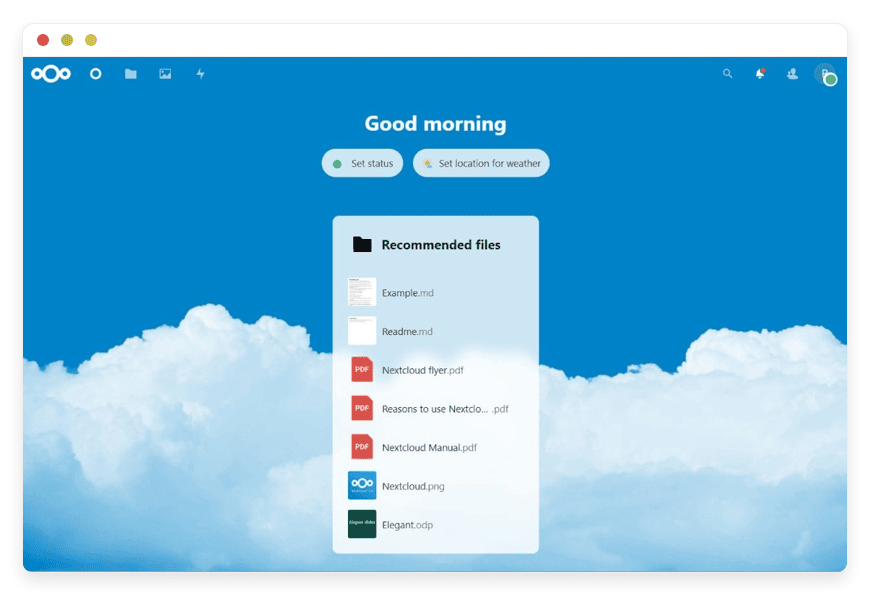
Nextcloud is an open-source collaboration platform, with more than 37,500 stars on its server repository, that pairs file storage and sync with document editing, calendars, contacts, and calls. Teams adopt it when they want a workspace they control instead of a consumer cloud drive. On DANIAN both run as fully managed instances: managed Nextcloud and managed SFTPGo hosting follow the same operating model, with installation, updates, daily backups, monitoring, and human support included.
A transfer server versus a workplace
The core difference is who the software expects on the other end of the connection. A transfer server expects machines and counterparties: authentication is per credential, permissions are folder-shaped, and the headline features are quotas, event rules, and protocol coverage. A collaboration platform expects people: authentication is per person, permissions are share-shaped, and the headline features are editors, comments, and sync that keeps every laptop current.
On the SFTPGo side that means credentials per user or system, optional key-only authentication, quotas and virtual folders, brute-force protection, and storage that can sit on the local disk, an S3-compatible bucket, Google Cloud Storage, Azure, or another SFTP server, with an encrypted backend option on top. On the Nextcloud side it means desktop and mobile sync clients, share links with passwords and expiry dates, office editing through Collabora or OnlyOffice, and groupware covering calendar, contacts, and calls.
One protocol fact settles a surprising number of debates: Nextcloud does not expose SFTP. Programmatic access goes through WebDAV and Nextcloud's own APIs. The external storage app works in the opposite direction, mounting a remote SFTP server into Nextcloud as a source. So when a counterparty's requirement letter says SFTP endpoint, the answer is a transfer server, not a shared drive.
SFTPGo vs Nextcloud at a glance
Side by side, the split is clean:
| Dimension | SFTPGo | Nextcloud |
|---|---|---|
| Built for | File transfer between systems, partners, and scripts | Team file storage, sync, and collaboration |
| Protocols for clients | SFTP, FTP/FTPS, WebDAV, HTTP(S) APIs | WebDAV plus native desktop and mobile apps |
| Browser access | WebClient for uploads, downloads, download links | Full web workspace with files, office, and apps |
| Automation | Event rules, webhooks, REST API, quotas, virtual folders | Flow engine and app ecosystem |
| Storage options | Local, S3-compatible, GCS, Azure, SFTP, encrypted backend | Local plus external storage apps for S3, SMB, and others |
| Everyday collaboration | Out of scope; no office, calendar, or chat | Documents, calendar, contacts, Talk |
| Access model | Per-user credentials, key auth, brute-force defense | User accounts, groups, share permissions |
| License | AGPL-3.0 | AGPLv3 |
Both projects are licensed under the AGPL family, both run as unmodified community editions on DANIAN, and neither carries per-user fees on this platform. What differs is the shape of the work each one does well.
When SFTPGo is the right pick
Choose the transfer server when files move without a human in the loop, or when the humans on the other side are outsiders connecting with their own software:
- Partner and supplier exchange: price lists, invoices, order files, and media drops flowing between companies, each partner carrying its own credentials and quota.
- Scripted and scheduled flows: night jobs, ERP exports, and device fleets that need one endpoint, resumable transfers, and an event the moment a file arrives.
- Headless storage: the files land in an S3-compatible bucket behind SFTPGo and never enter anybody's sync folder.
- Protocol obligations: counterparties whose onboarding documents specify SFTP or FTPS credentials, full stop.
If the current estate is an aging FTP box, the comparison ends early: the move is a staged cut-over to SFTP or FTPS, the plan we laid out in the FTP migration guide. Nextcloud never enters that conversation, because the partners need a protocol endpoint, not a workspace.
When Nextcloud is the right pick
Choose the collaboration platform when people live in the files day to day:
- A team replacing a consumer cloud drive: files sync to every laptop and phone, with desktop sync clients doing the keeping-current work.
- Documents that get edited rather than delivered: office suites connect directly, as walked through in the Collabora connector guide.
- A workspace with calendar, contacts, and calls attached, so collaboration is not limited to files.
- Internal sharing culture: links with passwords and expiry dates, comment threads, and version history, all inside the team.
Where the overlap confuses buyers
Both tools serve files through a browser, both speak WebDAV, and both can produce a share link, which is why search results mix them together. The overlap is real but thin. Nextcloud share links handle casual human-to-human sends well; a steady rhythm of scheduled transfers is a different job, the line we drew in the WeTransfer alternatives guide. SFTPGo's WebClient covers light human traffic too, with browser uploads and secure download links, but it will never host an office suite or a calendar.
The reverse confusion is rarer and more expensive: adopting a collaboration platform because files must reach partners, then discovering that the partners' scripts, ERP connectors, and devices want an SFTP endpoint with credentials and event hooks. A platform can be extended toward that with plugins and effort; a transfer server has it on day one.
Running both: the €9 + €9 stack
Because the two tools answer different questions, the honest answer for many operators is both. A common pattern: partner files arrive on the SFTPGo instance, an event rule fires a webhook, and an automation flow files the document where the team actually works, inside Nextcloud, where no partner ever needs an account. Wiring the transfer side into automations is covered in the SFTPGo and n8n walkthrough, and the event mechanics live in the file-arrival webhook article.
On DANIAN the both-apps math stays simple: each instance is €9 a month, so the pair starts at €18, both under one account and one management dashboard, with daily backups, monitoring, and support applying to each. Operationally it is one platform doing two jobs, and operator walkthroughs for the transfer side are collected in the SFTPGo knowledge base.
What each one costs
Pricing is identical because the platform prices the instance, not the software:
| SFTPGo on DANIAN | Nextcloud on DANIAN | |
|---|---|---|
| Instance | €9 per month | €9 per month |
| Included storage | 30 GB | 30 GB |
| Extra storage | €0.50 per GB per month | €0.50 per GB per month |
| Included traffic | 1,000 GB per month | 1,000 GB per month |
| Traffic beyond | €0.03 per GB | €0.03 per GB |
| Trial | 7 days, no card | 7 days, no card |
The pair starts at €18 a month plus any storage beyond the two included 30 GB blocks. For the wider picture on the SFTPGo side, including what running the software yourself actually spends, see the real cost of running SFTPGo.
A five-question decision checklist
- Who initiates most transfers, people or systems? Systems and outside partners point to SFTPGo; colleagues point to Nextcloud.
- Do the files get edited after arrival? Editors and comment threads point to Nextcloud; delivery-and-forget points to SFTPGo.
- What does the other side connect with? Standard clients, scripts, and ERP integrations need the transfer server's protocols.
- Does work start the moment a file arrives? Webhooks and event rules are the transfer server's home ground.
- Is this replacing a workspace or a file endpoint? A workspace replacement is Nextcloud; an endpoint replacement is SFTPGo.
Two or more answers landing on each side is not indecision; it is the both-apps stack described above.
Frequently asked questions
Is SFTPGo an alternative to Nextcloud?
Only where the two overlap, which is files behind a URL. SFTPGo is a transfer server built for protocols, partners, and automation; Nextcloud is a collaboration platform built for people editing and syncing documents. Replacing one with the other usually means rebuilding the workflow around the newcomer.
Can I connect to Nextcloud with a standard SFTP client?
No. Nextcloud exposes WebDAV and its own client APIs, not an SFTP endpoint. The external storage app runs in the opposite direction: it mounts a remote SFTP server into Nextcloud as a source. When the requirement is an SFTP endpoint for a counterparty, the transfer server is the tool.
Does SFTPGo come with sync clients?
No. SFTPGo is a server: connections arrive over SFTP, FTPS, WebDAV, or HTTP, and the built-in WebClient covers browser access with uploads, downloads, and secure download links. Continuous multi-device sync, the kind that mirrors a folder across laptops and phones, is the collaboration platform's job.
Which one should I use for exchanging files with suppliers and partners?
SFTPGo, when the other side connects with standard clients or scripts: per-partner credentials, quotas, and upload events are built into the server. Nextcloud share links fit casual sends between people who already belong to the team.
Which one suits a team that edits documents together?
Nextcloud. Office suites such as Collabora or OnlyOffice attach to it directly, with comments and version history alongside. SFTPGo has no editors by design; it moves files and stops there.
Do SFTPGo and Nextcloud cost the same on DANIAN?
Yes. Each instance is €9 a month with 30 GB of storage included, extra storage at €0.50 per GB per month, 1,000 GB of monthly traffic included, and €0.03 per GB beyond it. A seven-day trial with no card applies to both.
Can SFTPGo and Nextcloud run side by side?
Yes, and it is a common shape. Partner and automated traffic hits the transfer server, the team works inside the collaboration platform, and an automation flow moves files across when needed. On DANIAN the pair is simply two instances under one account.
Which one is easier to administer?
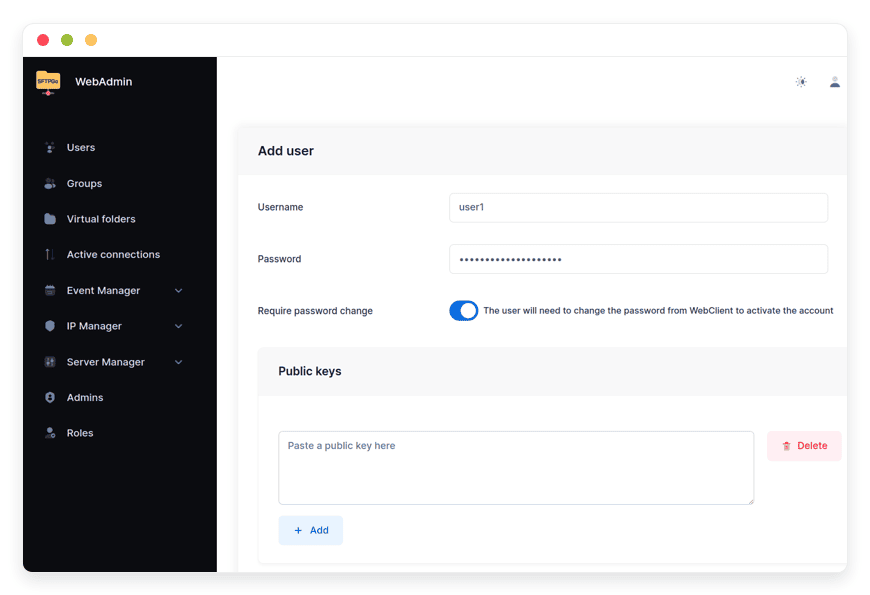
As managed instances, neither asks you to patch a server: updates, daily backups, and monitoring are handled for both. The difference is the admin surface. SFTPGo centers on its WebAdmin and per-user settings; Nextcloud centers on its admin settings and app management.
Which one is more secure?
Neither is inherently safer; they harden different surfaces. SFTPGo brings per-credential isolation, optional key-only login, and brute-force defense. Nextcloud brings account policies, share controls, and version history. Both encrypt traffic in transit, and both run on the same hardened platform here.
I am moving off Google Drive. Which one do I need?
It depends on what the drive was doing. If it was a shared workspace full of living documents, Nextcloud is the like-for-like replacement. If it was mostly a shelf where partners and systems dropped files, a transfer server fits the real job and costs less to run.
Does either one include chat or video calls?
Nextcloud does, through its Talk app alongside calendar and contacts. SFTPGo has no communication features at all; its scope starts and ends with file transfer.
Can file processing be automated on both?
With different depth. SFTPGo builds automation in: event rules fire webhooks or filesystem actions the moment files land. Nextcloud automates through its Flow engine and app ecosystem, which leans toward office-shaped triggers rather than protocol-shaped ones.
Who handles updates and backups on managed instances?
The platform does, for both apps: software updates, daily backups to storage in a separate region, monitoring, and support are part of the service. For SFTPGo, restores are self-serve from the Backups tab of the management dashboard.
What is the fastest way to try both?
Start a seven-day trial of each; no card is required. Managed SFTPGo hosting and managed Nextcloud are separate instances, so testing one commits nothing against the other, and a stack that needs both can grow into both.
Sources
- SFTPGo protocols, features, and storage backends: SFTPGo official README and documentation, docs.sftpgo.com (viewed November 2026)
- Nextcloud platform capabilities, sync clients, and groupware apps: nextcloud.com and the Nextcloud documentation (viewed November 2026)
- Licenses and repository scale: github.com/drakkan/sftpgo and github.com/nextcloud/server (viewed November 13, 2026)
- Managed offerings, pricing, and inclusions: danian.co/sftpgo, danian.co/nextcloud, and danian.co/pricing (viewed November 2026)
- Office connector and sync client setup: danian.co knowledge base articles (viewed November 2026)