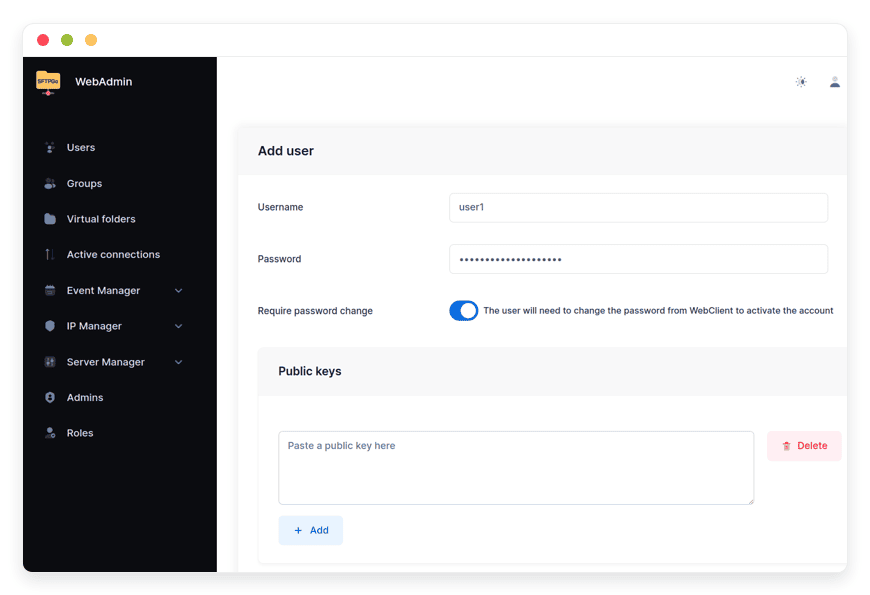
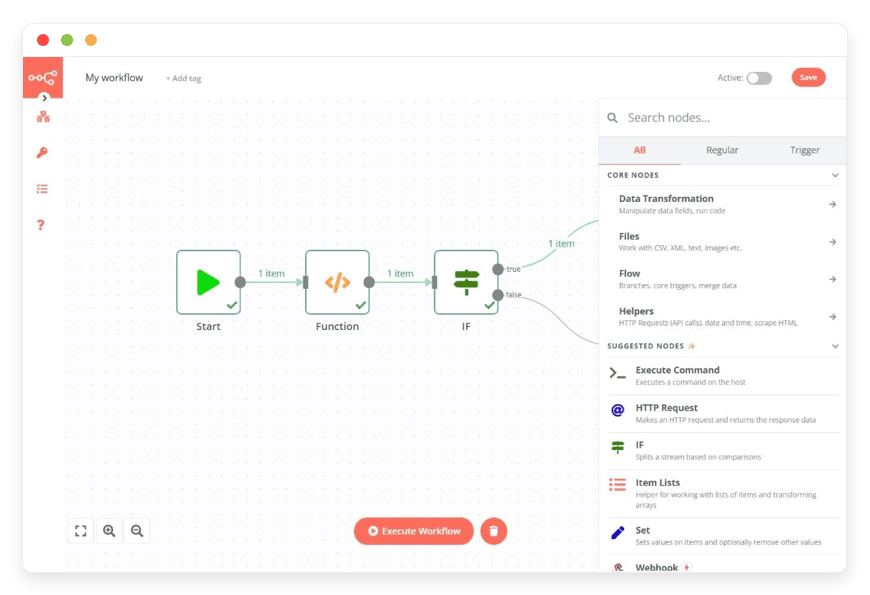
n8n and Mattermost: automation for private teams
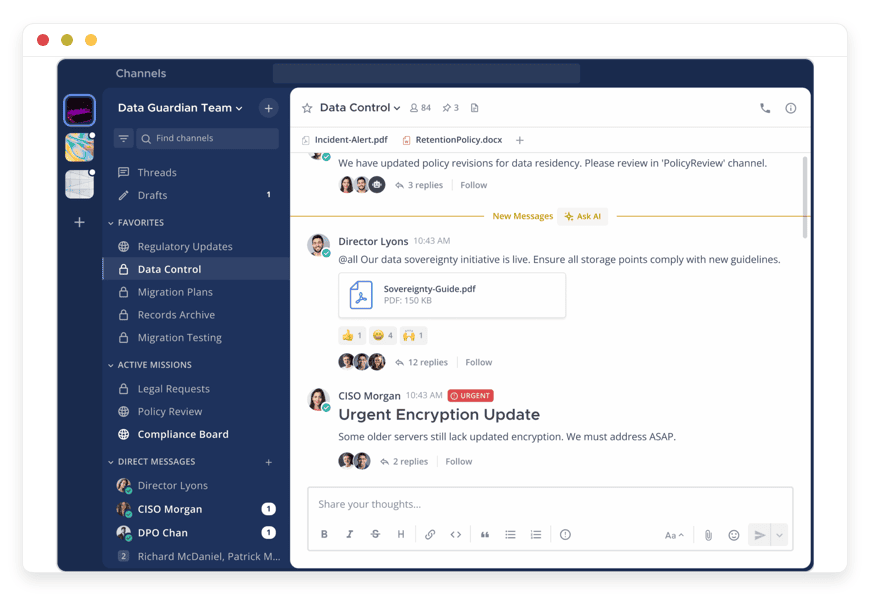
A team's chat platform and its automation tool have a habit of living in different trust zones. The conversations sit on a server you chose for its privacy, while the workflows that read and post into those conversations run on someone else's cloud, their logs and their execution history included. This guide is about closing that gap: n8n, the workflow automation platform, running self-hosted, paired with Mattermost, the self-hosted chat platform, with the workflow engine that touches your channels inside the same trust boundary as the channels themselves. Both vendors document the integration in public, n8n ships a dedicated Mattermost node, and this page assembles the whole picture: what the node does, how it authenticates, how Mattermost triggers workflows back, what to build first, and the license terms read precisely, because n8n is fair-code, not open source, and that difference deserves to be stated correctly.
TL;DR
- n8n's built-in Mattermost node manages channels, posts and edits messages, posts ephemeral messages, handles reactions, and administers users, all through one personal access token.
- The trigger side runs on Mattermost's own integration surfaces: slash commands and outgoing webhooks let a message in a channel start a workflow.
- The same node doubles as a tool an AI agent inside n8n can call, per n8n's own documentation, which makes the pairing a bridge between scripted automation and agents.
- n8n is fair-code under the Sustainable Use License: free to use, modify and redistribute for your own internal business purposes, with redistribution and commercial embedding restricted. It is not open source, by n8n's own statement.
- Self-hosting both puts the workflow execution logs, the credentials they carry, and the message data they touch on infrastructure you control.
The shape of the pairing
Three moving parts, each documented by its vendor. n8n is the workflow engine: a visual canvas where a trigger starts a run, nodes do the work, and the run's history is stored where n8n is stored. The Mattermost node is one of n8n's built-in app nodes, the category of nodes that speak a specific service's API natively, no generic HTTP wrangling required. And Mattermost's integration surfaces are the doors in the other direction, the ones a chat message can push on to start something: slash commands, outgoing webhooks, and the webhook endpoints the migration guide covered from the Slack side. Put together, one loop: workflows post into channels, and channels trigger workflows.
The privacy argument is structural rather than promotional. Every workflow that reads a channel, posts an alert, or carries a credential is a small custodian of your data, and a cloud automation service keeps its execution logs, its webhook payloads, and its stored credentials on its own infrastructure. Self-hosted n8n keeps those artifacts on yours, and when the chat layer is Mattermost under the same roof, the loop closes entirely: the message data, the automation state, and the logs never cross a third-party boundary on their way from channel to workflow and back.
What the node can do
The node's operation list, from n8n's documentation, is best read as a capability map. On channels: create a new channel, add a user to a channel, list a page of a channel's members, search for channels, read channel statistics, soft delete a channel, and restore a soft deleted one. On messages: post a message into a channel, post an ephemeral message that only one user sees, and soft delete a post, which marks it deleted in the database rather than erasing it. On reactions: add one, remove one, or read all reactions on one or more posts. On users: create accounts and manage them. The pattern in the list is deliberate: everything a notification pipeline, an onboarding script, or a channel-governance routine needs, and nothing that requires leaving the node.
One documented capability deserves its own sentence: the node can fill the role of an AI tool. n8n's documentation states that in that mode, many parameters can be set automatically or directed by an agent, which means a Mattermost action can sit inside an agentic workflow, not just a deterministic one. For teams running the agents this cluster's guides cover, that is the hinge between two worlds: the scripted workflow that posts the same alert every time, and the agent that decides what to post.
Authentication, the whole path
The credential setup is a personal access token, and n8n's documentation walks it end to end. In Mattermost, under Profile, Security, then Personal Access Tokens, create a token with a description that names its purpose, something like n8n integration, and copy the token identifier. In n8n, the credential takes that access token plus the base URL of the Mattermost server. Two operational notes from the same page matter: if the Personal Access Tokens option is not visible in Mattermost, personal access tokens are disabled in the server's configuration and an administrator must enable them first; and by default n8n validates SSL certificates, so a self-hosted stack needs valid TLS on the Mattermost URL or a conscious, documented exception.
Token lifecycle deserves the same discipline as the token's scope. n8n stores the credential encrypted in its own database, the token can be revoked from the same Mattermost security page that created it,
Rotation is a two-minute operation: create the successor, update the n8n credential, revoke the predecessor. A quarterly rotation habit costs almost nothing and bounds the blast radius of any leak that goes unnoticed, and the audit log on the Mattermost side records what the integration account did, which closes the governance loop.
The token's identity is also its permission boundary. A personal access token acts as the user who created it, so the token meant for posting alerts should belong to a dedicated integration or bot account with membership in exactly the channels it serves, which is both least privilege and tidy audit trails: every automated post in the channel history reads as the bot, not as a colleague.
The trigger side: commands and hooks
Posting into Mattermost is half the loop; the other half is a message starting a workflow. Mattermost's documented surfaces for this are slash commands and outgoing webhooks. A slash command is the typed trigger: a user invokes it in the message box, Mattermost sends the request to a URL you configure, and the response comes back as a message, visible or ephemeral. Outgoing webhooks are the conversational trigger: Mattermost watches a channel for messages that match a trigger word or phrase and relays them to your endpoint, with the response posted back into the channel. Both are first-party integration types, configurable by a system admin or, on most servers, by the right kind of bot account, and both land on n8n's webhook nodes, the entry points that turn an inbound HTTP call into a running workflow.
Two practical distinctions shape the choice. Slash commands are explicit and user-facing, the right surface for actions a person means to take, like looking something up or kicking off a process with arguments.
Outgoing webhooks are ambient, the right surface for listening, like routing every message that mentions a keyword into a triage workflow. A stack that grows past both eventually reaches the plugin and REST API surfaces the platform guides cover, but for the automation use cases most teams build first, the two webhook shapes carry the load.
The responses are richer than plain text. Outgoing webhook replies can use Mattermost Blocks, the structured content format with buttons and menus, and they can open interactive dialog forms that collect input without anyone leaving the chat. The vendor's own examples show the shape of it: a keyword like bug in a channel triggers the webhook, the external service parses the message and answers with a dialog for priority, description and assignee, and submitting the dialog creates the ticket. A keyword like docs queries a knowledge base and returns the answer as blocks. What looks like a notification channel from the outside is a full interface from the inside, and the automation engine answering those calls can be the same n8n instance posting the digests.
Recipes to build first
Four workflows, each a real pattern assembled from the node's documented operations, ordered by how quickly they pay off. The alert pipeline: a monitoring trigger, any of the sources n8n already speaks, filtered and formatted, then a Mattermost node posting the alert into an incidents channel, with an escalation branch that posts again if nobody reacts within an hour, using the reaction operations to check. The onboarding routine: triggered by a schedule or a webhook from your identity provider, it creates a channel, adds each new teammate to it, and posts the welcome message with the links a first day needs, using the channel and membership operations end to end.
The digest: a scheduled trigger gathers the week's signals from the tools you use, condenses them, and posts one summary message into the team channel on Friday, with an ephemeral variant for the manager's private view. And the agent bridge: an AI agent inside n8n, given the Mattermost node as a tool, answering questions in a support channel through a slash command or an outgoing webhook, its replies flowing back through the same node that posts the digests. The four together exercise every documented operation category, which is the quiet test that the node was the right abstraction. Teams arriving from Slack find a familiar on-ramp: Mattermost's automation pages note that admins moving from Slack's Workflow Builder can recreate its familiar automations on these platforms, so the muscle memory survives the migration even when the muscle's new home is a full workflow engine.
The license, read precisely
n8n's licensing is the part of this pairing most often misstated, so here it is from n8n's own licensing pages. n8n is fair-code, licensed under the Sustainable Use License for the community version and the n8n Enterprise License for the enterprise files, which are the source files marked with a specific naming convention in the repository. The Sustainable Use License grants the free right to use, modify, create derivative works, and redistribute, with three limitations: use is restricted to your own internal business purposes or non-commercial and personal use; distribution or providing the software to others is allowed only free of charge for non-commercial purposes; and licensing, copyright, and other notices must not be altered, removed, or obscured. n8n's own FAQ answers the open source question directly: because the license includes limitations on use, and open source licenses cannot, n8n does not call itself open source.
Mattermost's own automation pages make the pairing's argument in the vendor's voice: n8n is, in their words, ideal for organizations prioritizing data residency and security, self-hosted and viable in air-gapped environments where cloud automation tools are not, with a native AI agent node that connects language models and vector stores to the same workflows.
The same pages also, in passing, call n8n open source, which is exactly the kind of loose phrasing this section exists to correct: n8n's own licensing documentation is the authority on n8n's license, and it says fair-code. One vendor's marketing shorthand does not overwrite another vendor's license page.
For a team self-hosting n8n to automate its own operations, the license is comfortable ground: internal business use is exactly the granted case, forever, at no cost.
The boundaries matter at the edges, and it is worth knowing where they sit before the edges arrive. Offering n8n itself as a paid hosted service, or embedding it in a product you sell, falls outside the free grant and is what the Enterprise License is for.
Offering consulting or support services around n8n, including building workflows for clients, is explicitly permitted without a separate agreement. The contrast with Mattermost's MIT-licensed Team Edition is real and worth naming in one sentence: the chat layer you are pairing with is open source by any definition, and the workflow engine is source-available with use terms, a distinction this cluster's honesty rules require us to keep crisp.
Hosting the pair
Where the two run is the decision that makes the privacy argument real. n8n self-hosts as a container next to Mattermost, and this site offers n8n as one of its managed apps: the same regions, the same backup and update care, and a chat layer in Mattermost Team Edition that is a flat monthly rate and a trial week that takes no card. The self-hosted purist's path is also documented ground, a compose file with both services and a shared network, and either way the trust boundary ends at your infrastructure. The managed-app route is the one this site itself takes, and the reason is the same as the chat layer's: the operational care, the updates, the backups, and the region choice are someone's job either way, and a flat rate makes that someone's job legible.
The purist route keeps everything under one roof at the cost of owning the roof.
The capstone guide in this cluster places the automation layer in the full private stack, and the agents that pair with it are covered in their own guides, the Hermes Agent and OpenClaw setups that can consume the same channels these workflows serve.
Questions people ask about n8n and Mattermost
Is n8n open source?
No, and n8n says so itself: the Sustainable Use License includes use limitations, and open source licenses cannot, so n8n uses the term fair-code. The source code is available, and internal business use is free.
What can I do with n8n for free?
Per the license: use, modify, and build on it for your own internal business purposes or non-commercial personal use, at no cost. The restrictions bite when you sell access to n8n itself or embed it in a paid product.
Does building workflows for clients need a license?
Yes. Offering consulting or support services around n8n, building workflows included, is explicitly permitted without a separate license agreement, per n8n's licensing FAQ.
How does n8n authenticate to Mattermost?
A personal access token. Create it in Mattermost under Profile, Security, Personal Access Tokens, paste the token into the n8n credential, and set the base URL of your server. The option must be enabled server-side if it is not visible.
Which channel operations does the node support?
Create, search, add a user, list members, read statistics, and soft delete plus restore. The message, reaction, and user categories sit alongside them.
Can a Mattermost message start an n8n workflow?
Yes. Slash commands send a typed invocation to your endpoint, and outgoing webhooks relay messages that match a trigger word. Both land on n8n's webhook nodes and start a run.
What is an ephemeral message?
A message only one designated user sees, posted through a dedicated node operation. It is the standard vehicle for workflow replies that should not crowd the channel for everyone.
Does the node work as an agent tool?
Yes. n8n documents the Mattermost node as usable by an AI agent, so an agent inside an n8n workflow can be granted the node and decide when and what to post.
Does the n8n integration need a paid Mattermost license?
No. Personal access tokens, slash commands, and outgoing webhooks are all available in the free Team Edition. The paid editions add features, but none of the pieces in this guide require them.
Where do workflow execution logs live?
Where n8n lives. Self-hosted n8n stores execution history and credentials on your infrastructure, which is the core of the pairing's privacy argument.
Is the Mattermost side open source?
Yes. The Team Edition is MIT-licensed, open source by any definition, which distinguishes it from the fair-code workflow engine this guide pairs it with.
How do I self-host both together?
Run n8n as a container next to Mattermost on the same network, or use a managed app offering that runs both with shared regions, backups, and updates. Either way the trust boundary stays at your infrastructure.
What should the first workflow be?
The alert pipeline: one monitoring trigger, one filter, one Mattermost post into an incidents channel. It exercises the node's core operation, pays off immediately, and becomes the template every later workflow copies.
Does deleting a message through the node erase it?
No. The operation is a soft delete, marking the post as deleted in the database, the same semantics as deleting in the client.
Can the workflows and the agents share channels?
Yes, and it is a good pattern: deterministic workflows post the alerts and digests, agents answer questions in the same channels, and both run inside one trust boundary when the stack is self-hosted.
Try managed Mattermost hosting for 7 days
Sources
- n8n documentation, Mattermost node (operations, AI tool usage)
- n8n documentation, Mattermost credentials (access token setup)
- n8n documentation, Sustainable Use License (fair-code terms, open source statement)
- Mattermost documentation, Slash commands
- Mattermost documentation, Outgoing Webhooks
- DANIAN, how to build a private AI stack
- DANIAN, managed Mattermost Team Edition